
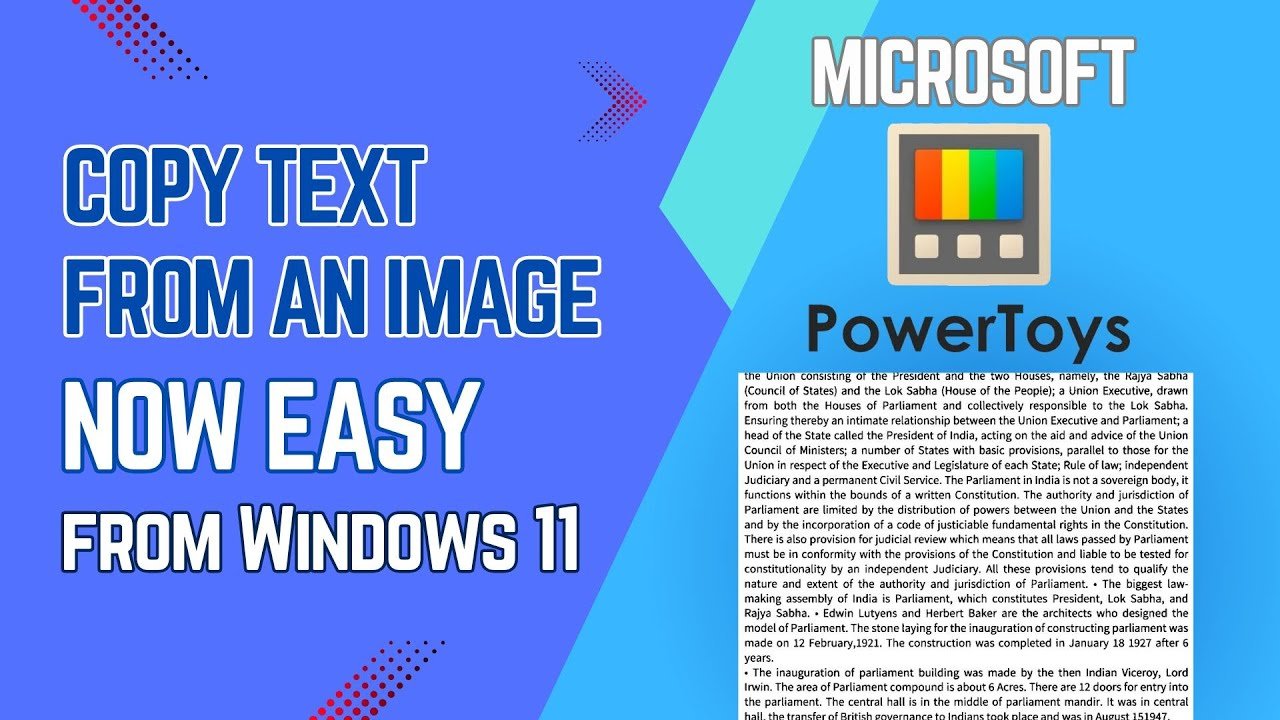
ఏదైనా ఇమేజ్ లో ఉన్నటెక్స్ట్ ను మళ్ళీ టైపు చేసుకోవాలంటే మీకు కష్టంగా ఉందా. అయితే ఈ చిన్న ట్రిక్ తో ఏ ఇమేజ్ నుంచైనా టెక్ట్స్ ను ఈజీగా కాపీ చేసుకుని పేస్ట్ చేసుకోవచ్చు. విండోస్ 11 లో ఒక చిన్న యాప్ ఇనస్టాల్ చేసుకోవడం ద్వారా అందుబాటులో కి వచ్చే ఈ అద్భుతమైన ఫీచర్ గురించి తెలుసుకోండి.
స్క్రీన్ పై ఉన్న టెక్స్ట్ ను టైప్ చేయకుండా కాపీ చేయడం ఎలా? Shift+Win+T షార్ట్కట్ తో టెక్స్ట్ ఎక్స్ట్రాక్ట్ చేసే విధానం ఇక్కడ చూడండి.
ఈ వీడియోలో కంప్యూటర్ స్క్రీన్ పై కనిపించే సమాచారాన్ని సులభంగా కాపీ చేసే విధానాన్ని వివరిస్తున్నాను. మీరు ఏదైనా ఇమేజ్ లేదా వీడియోలో ఉన్న టెక్స్ట్ ను టైప్ చేయకుండానే కాపీ చేసుకోవడానికి విండోస్ లోని ఈ టెక్స్ట్ ఎక్స్ట్రాక్ట్ ఫీచర్ చాలా బాగా ఉపయోగపడుతుంది. ఇది ముఖ్యంగా ఆఫీస్ పనుల్లో లేదా నోట్స్ రాసుకునేటప్పుడు టైపింగ్ సమయాన్ని ఆదా చేస్తుంది.
చాలామందికి ఈ స్క్రీన్ టెక్స్ట్ కాపీ పద్ధతి గురించి తెలియదు. ఈ సింపుల్ ట్రిక్ ద్వారా మీరు మీ పనిని వేగవంతం చేసుకోవచ్చు. కాపీ టెక్స్ట్ ఫ్రమ్ స్క్రీన్ చేయడం ఇప్పుడు చాలా సులభం, కేవలం కీబోర్డ్ షార్ట్కట్ తో ఈ పనిని పూర్తి చేయవచ్చు.
ఇలాంటి మరిన్ని ఉపయోగకరమైన విండోస్ షార్ట్కట్స్ మరియు కంప్యూటర్ టిప్స్ కోసం మా Tech Topics Telugu Channel సబ్స్క్రయిబ్ చేయండి. మీకు ఈ ట్రిక్ ఎలా ఉపయోగపడిందో కింద కామెంట్ సెక్షన్ లో తెలియజేయండి.






Add comment